Select a batch.
Add photos together instead of identifying them one at a time. Capture dates and locations help WingDex organize outings and suggest place names.
Start with a day's photos or a backlog of birding trips. WingDex helps you identify the birds, group them into outings, and keep a record of what you saw.
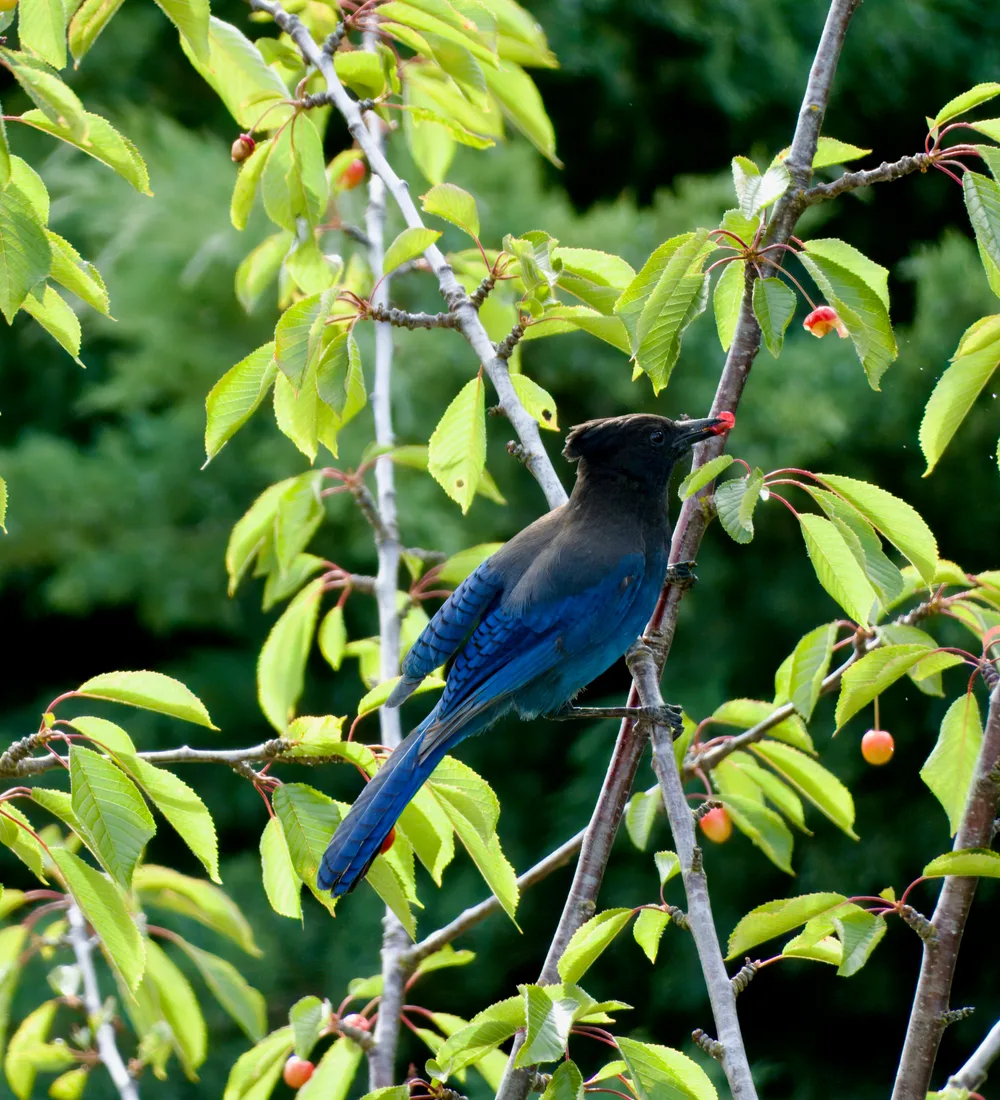



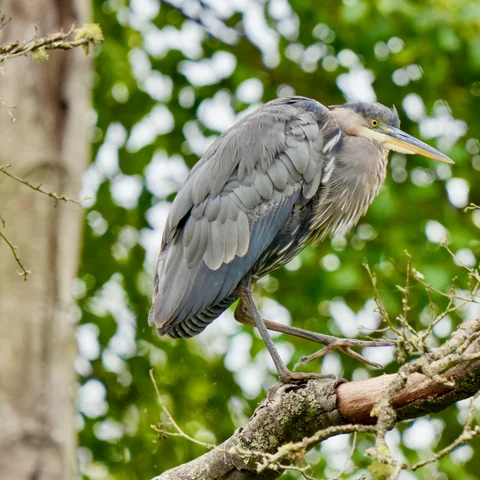
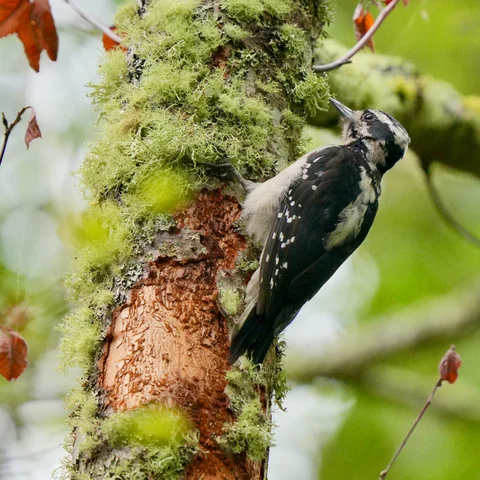
Add photos together instead of identifying them one at a time. Capture dates and locations help WingDex organize outings and suggest place names.
Choose from suggested species, compare reference photos and alternative matches, and correct the identification before saving. You make the final call.
Save the species with its outing, date, count, and notes. Each sighting becomes part of your searchable birding history.
WingDex's on-device model recognizes more than 10,000 bird species. Confidence scores, reference photos, and range and season indicators help you assess a suggestion rather than accept it blindly.
Compare the likely matches, confirm the species, or skip an uncertain photo. Identification is a starting point, not a guarantee.
 Your photoReference
Suggested match, ready for review
Open an outing to see the birds you found, or choose a species to revisit when and where you saw it. Your life list and outing history stay connected.
Hairy WoodpeckerDryobates villosus1 seenYour photos are never uploaded to WingDex for identification. Bird ID runs on your device and works offline once the browser has downloaded the model. The iPhone app includes the model from the start.
Reference images, place lookup, and account syncing may still need an internet connection.
Read the privacy policyImport an eBird CSV to bring existing sightings into WingDex, or export your records in an eBird-compatible format. An account is required for import and export; photo identification, outings, and your life list are available without one.
Choose a batch from your library or send it to WingDex from Photos. Review identifications, save outings, and build your life list in the free native app.